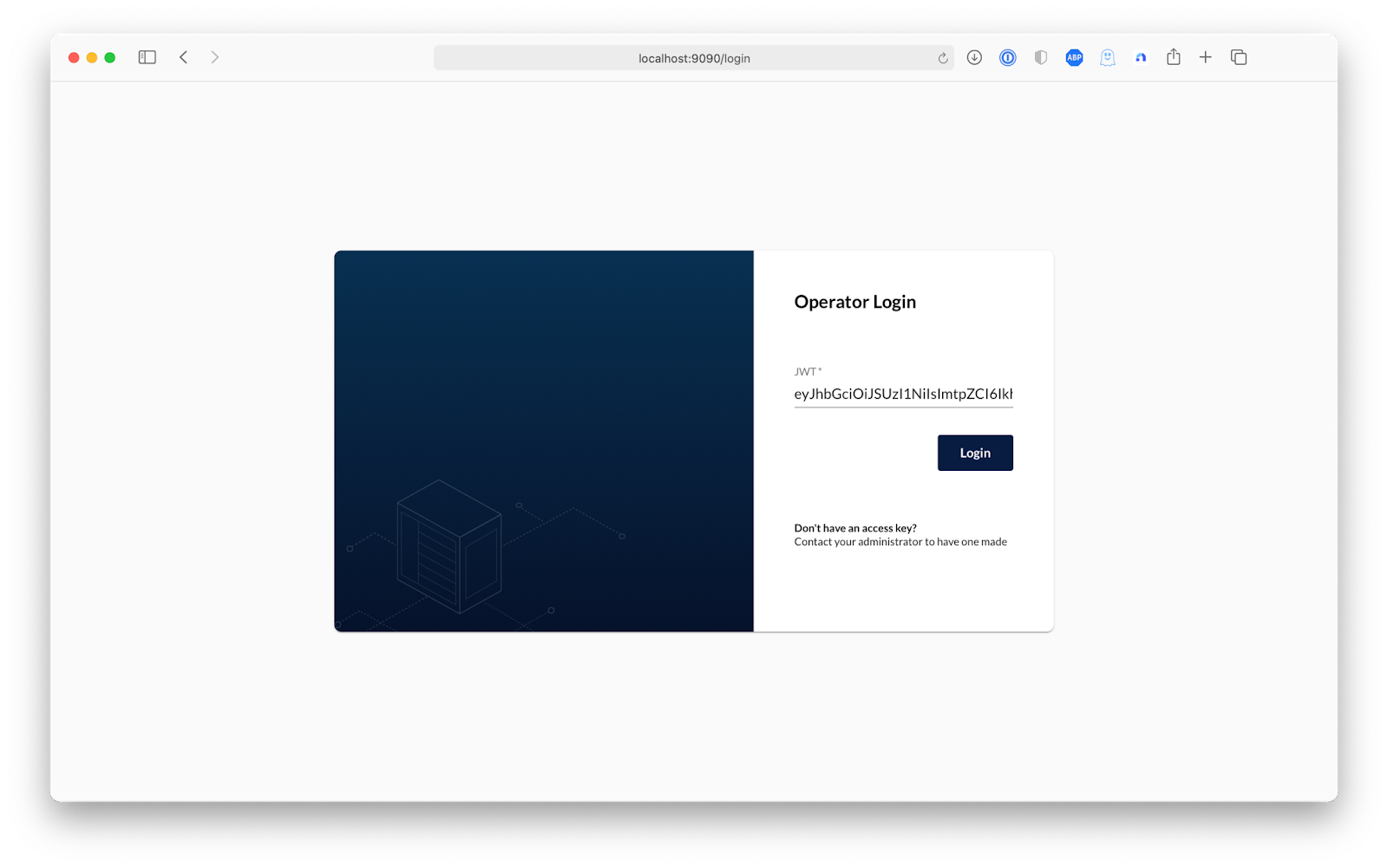
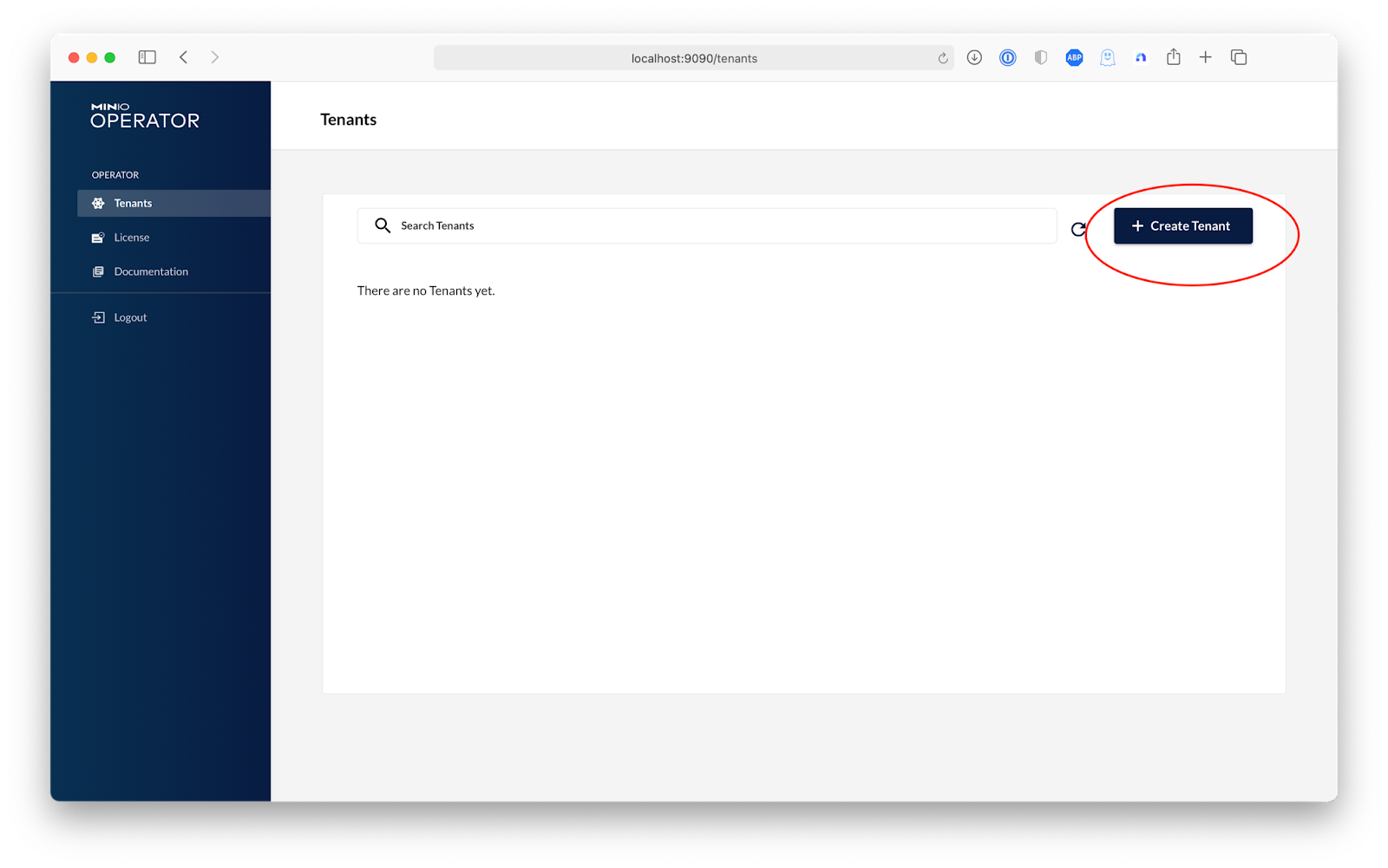
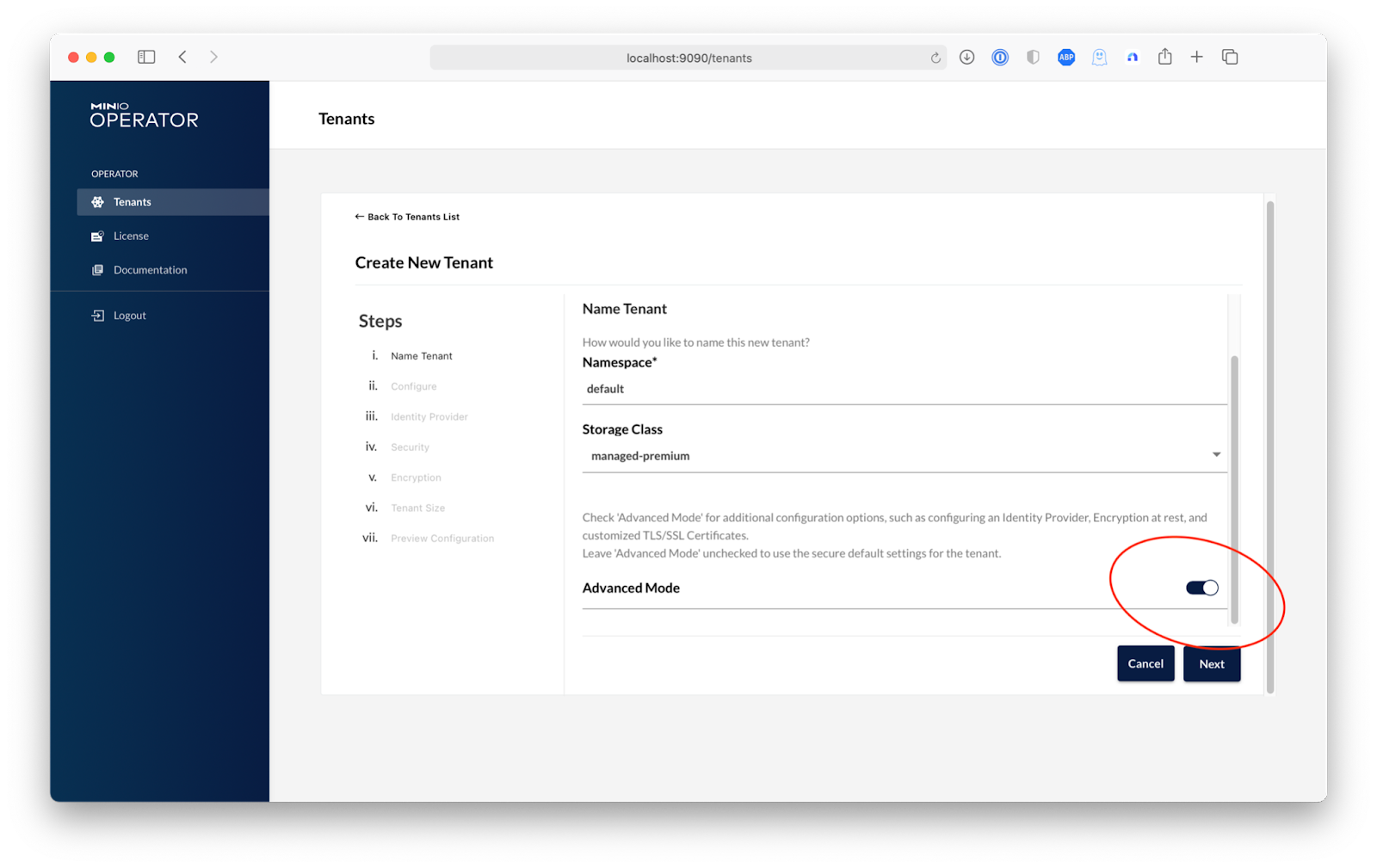
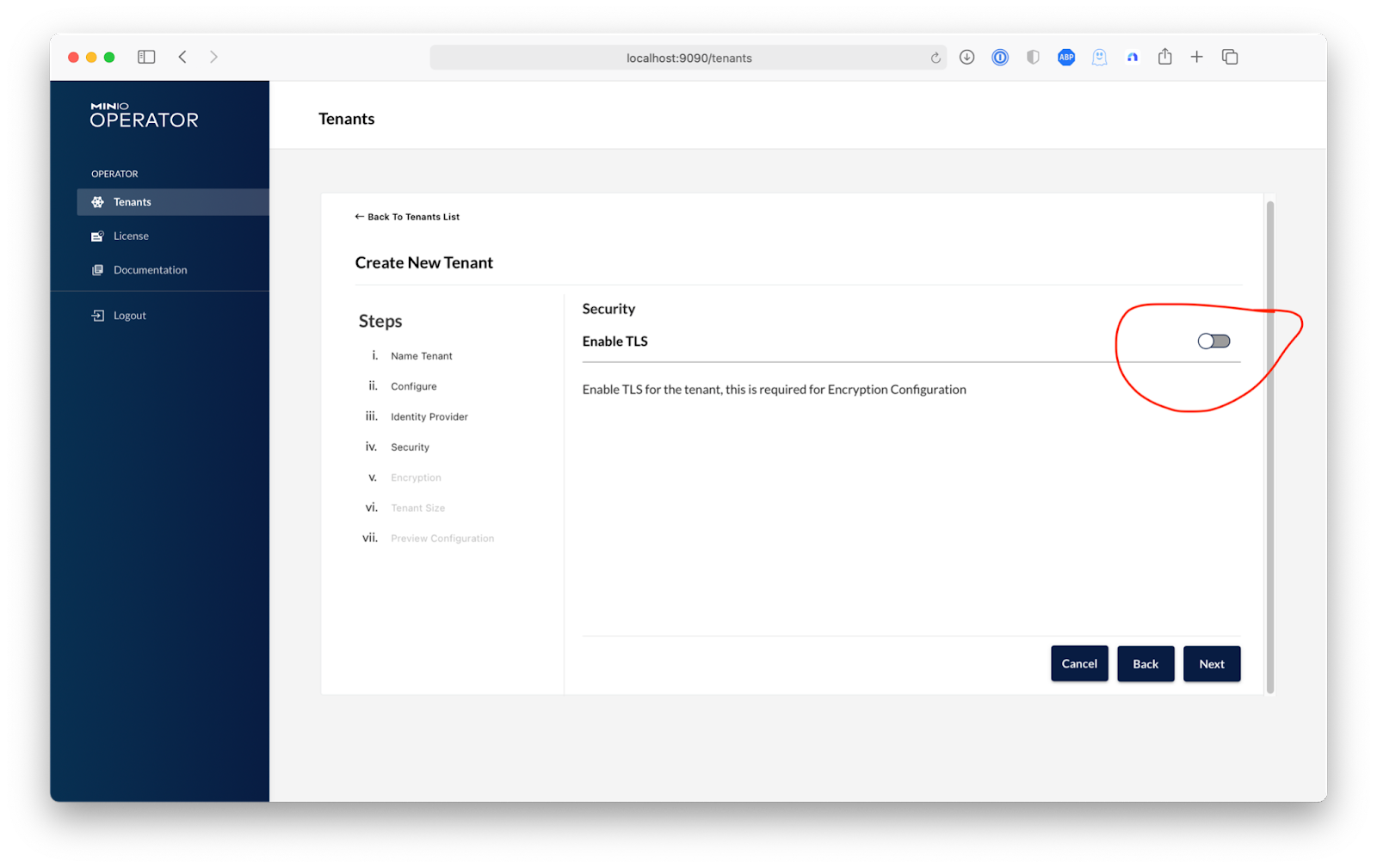
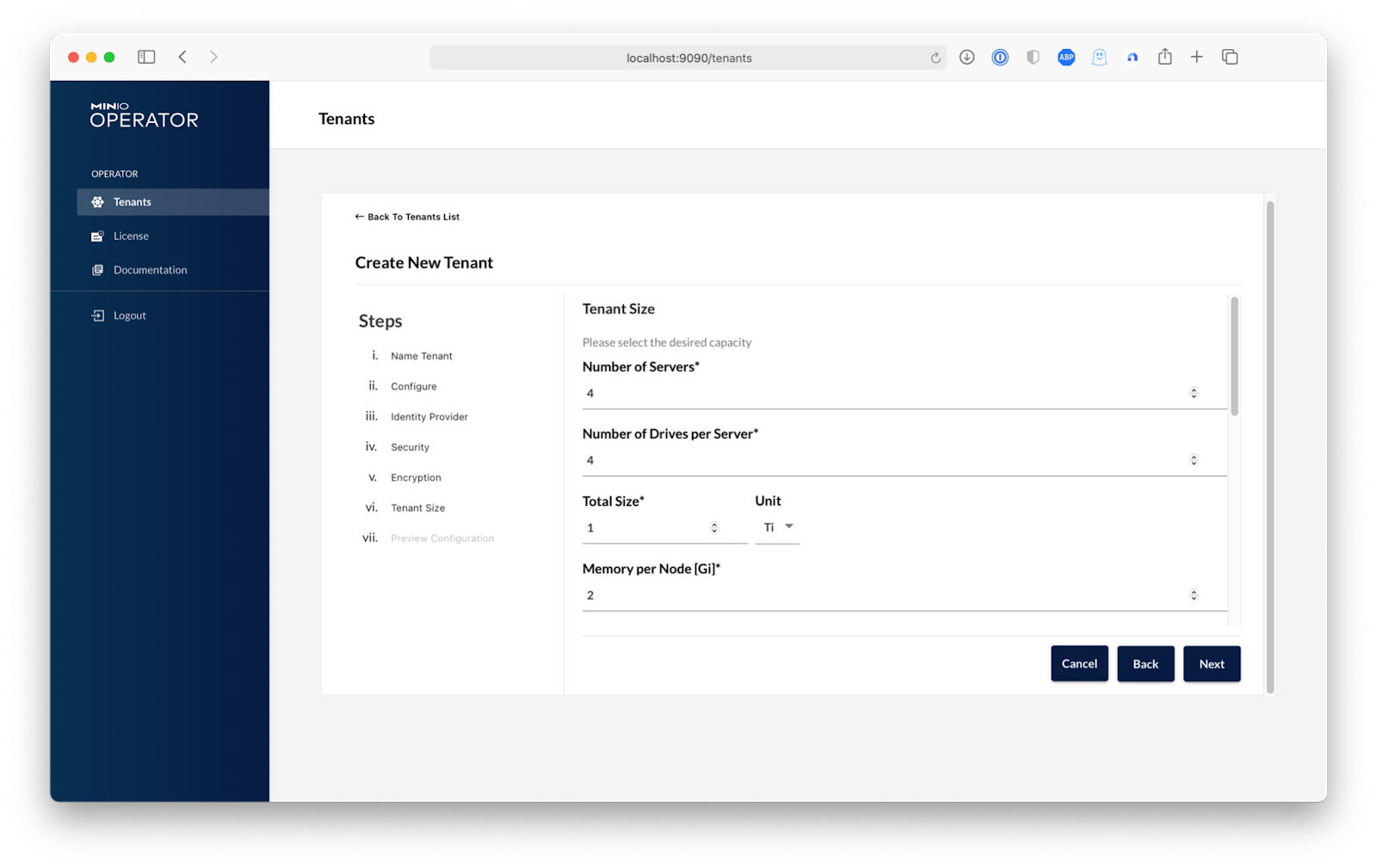
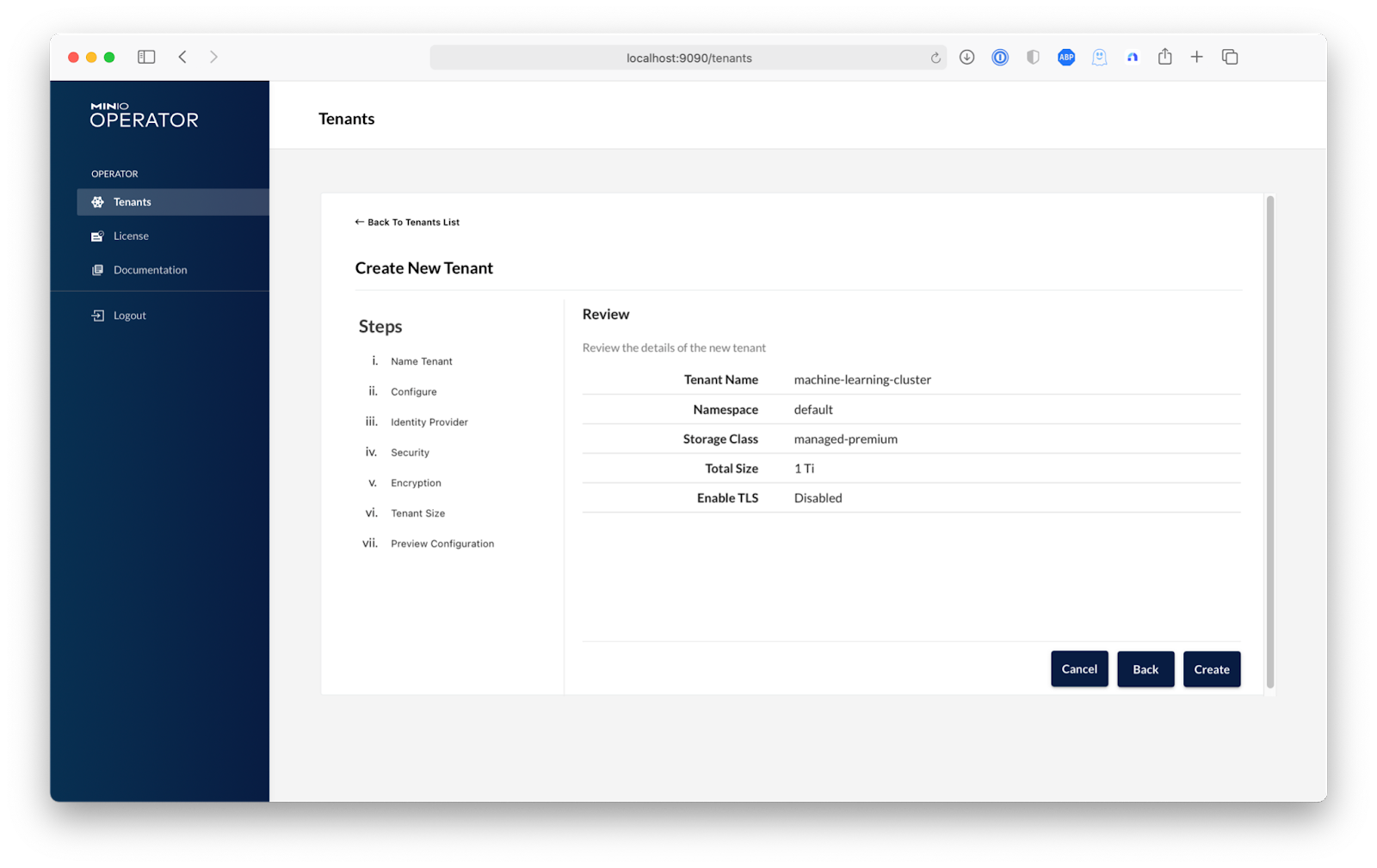
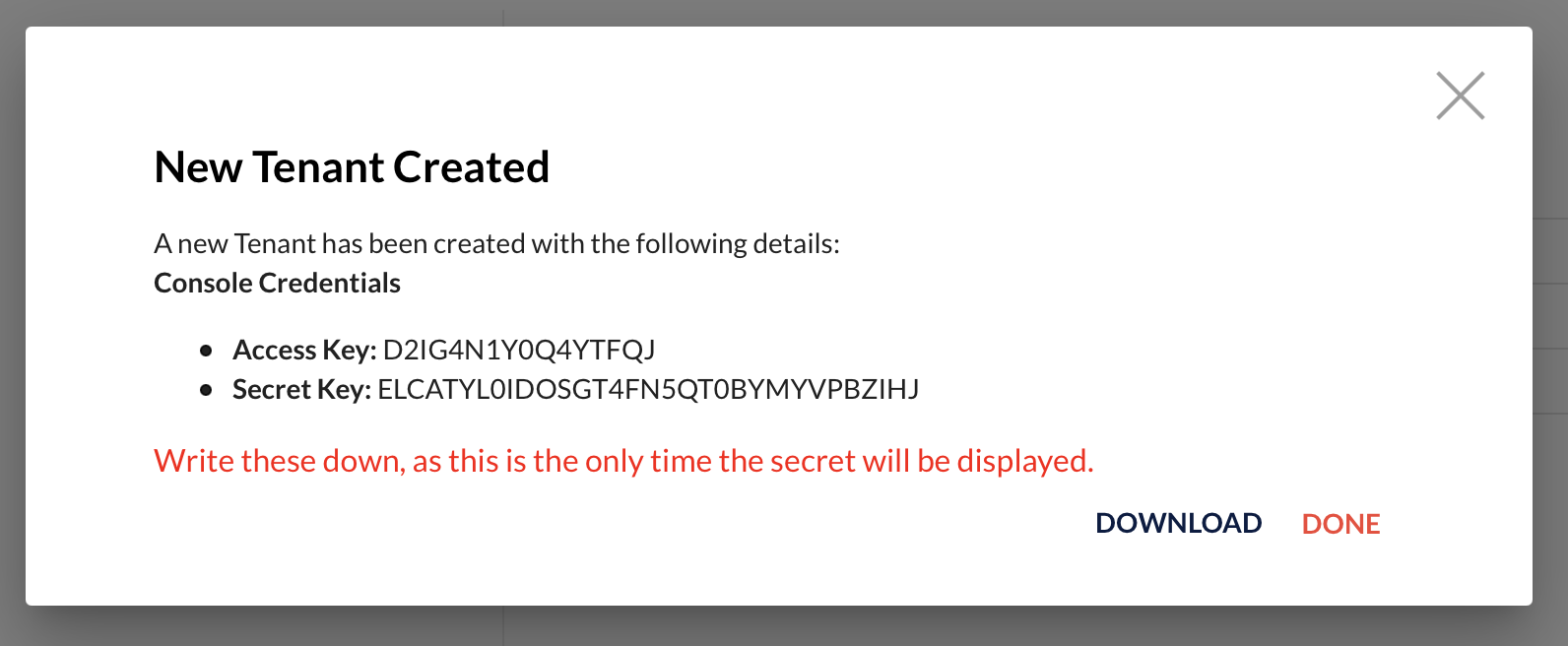
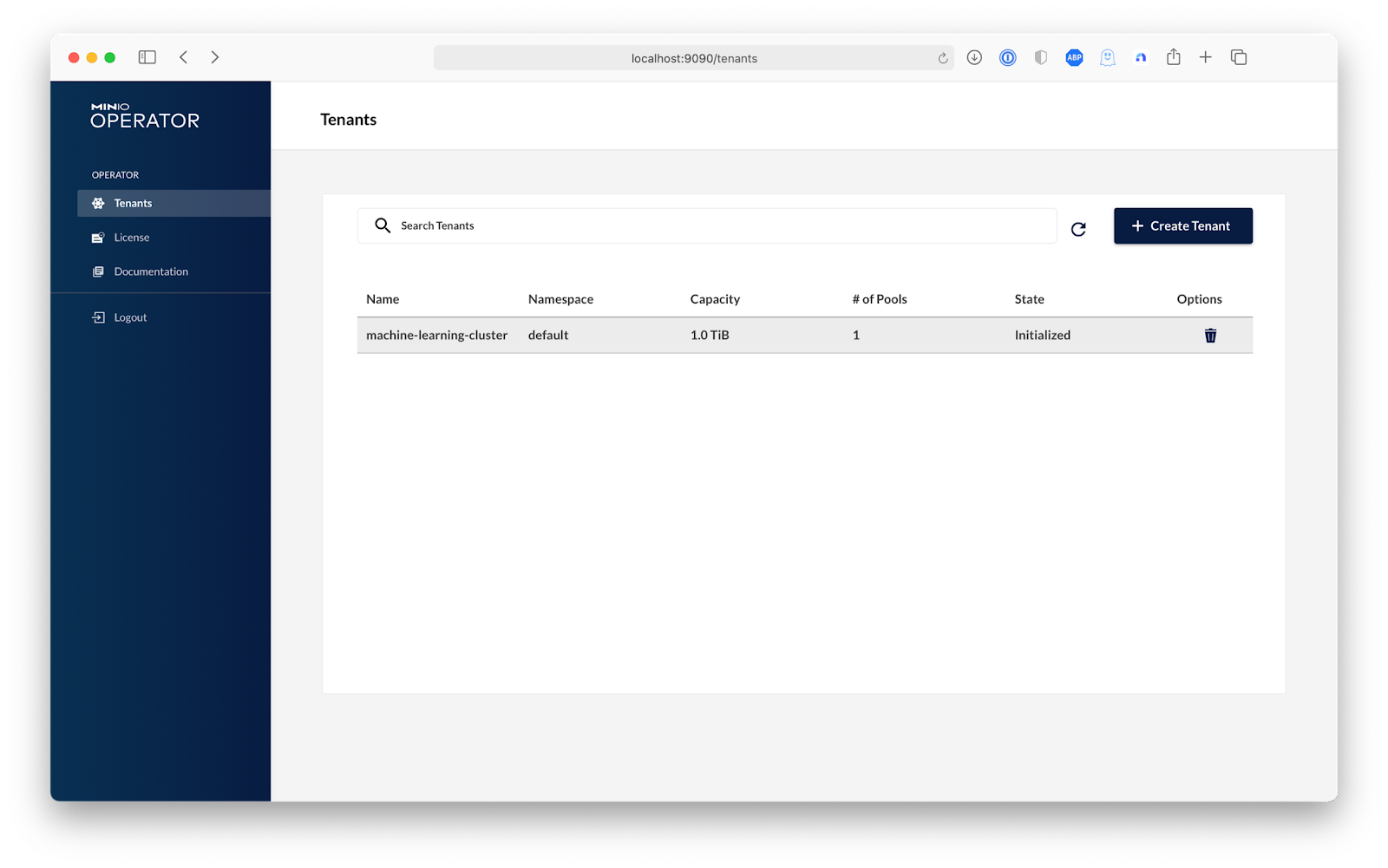
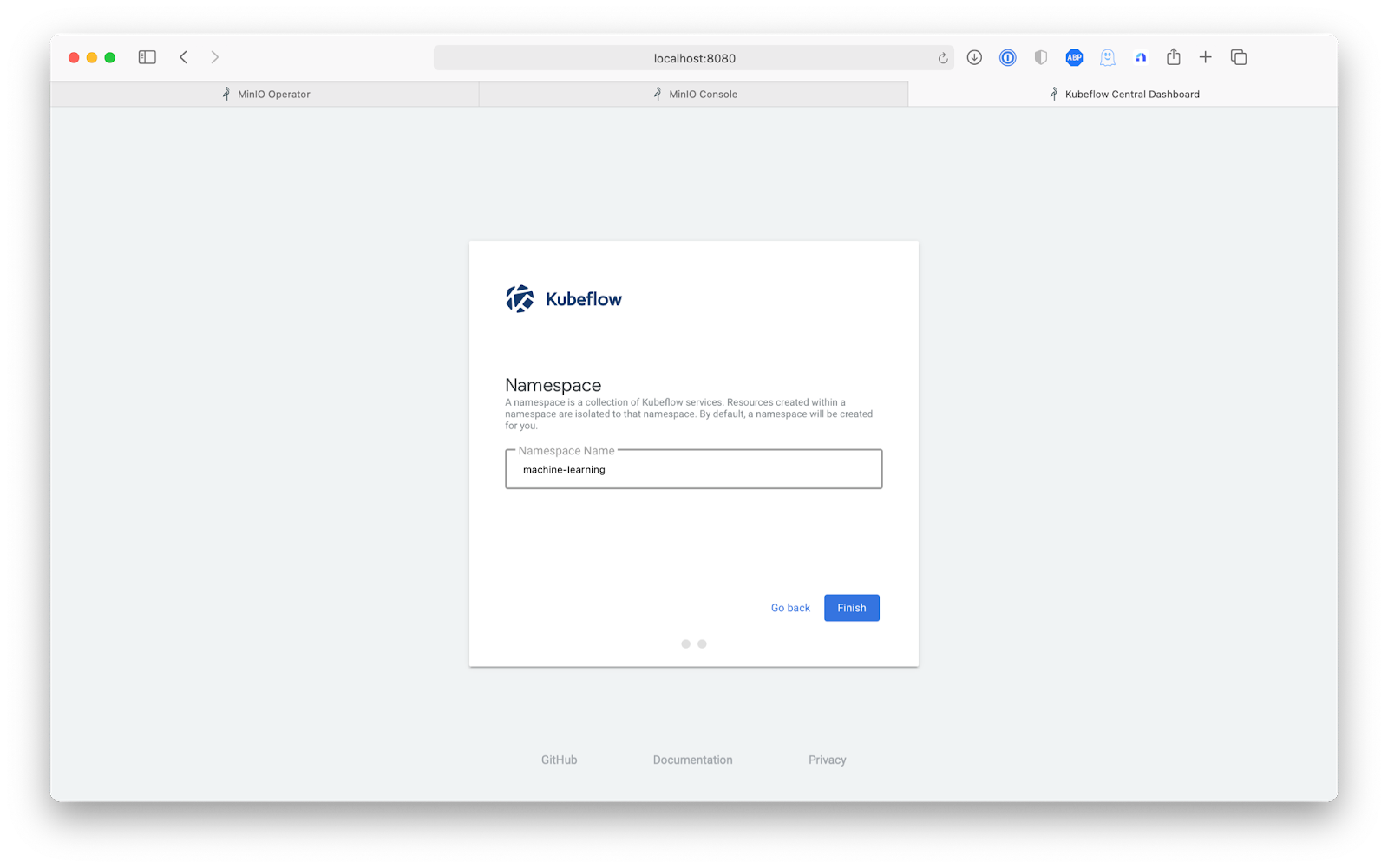
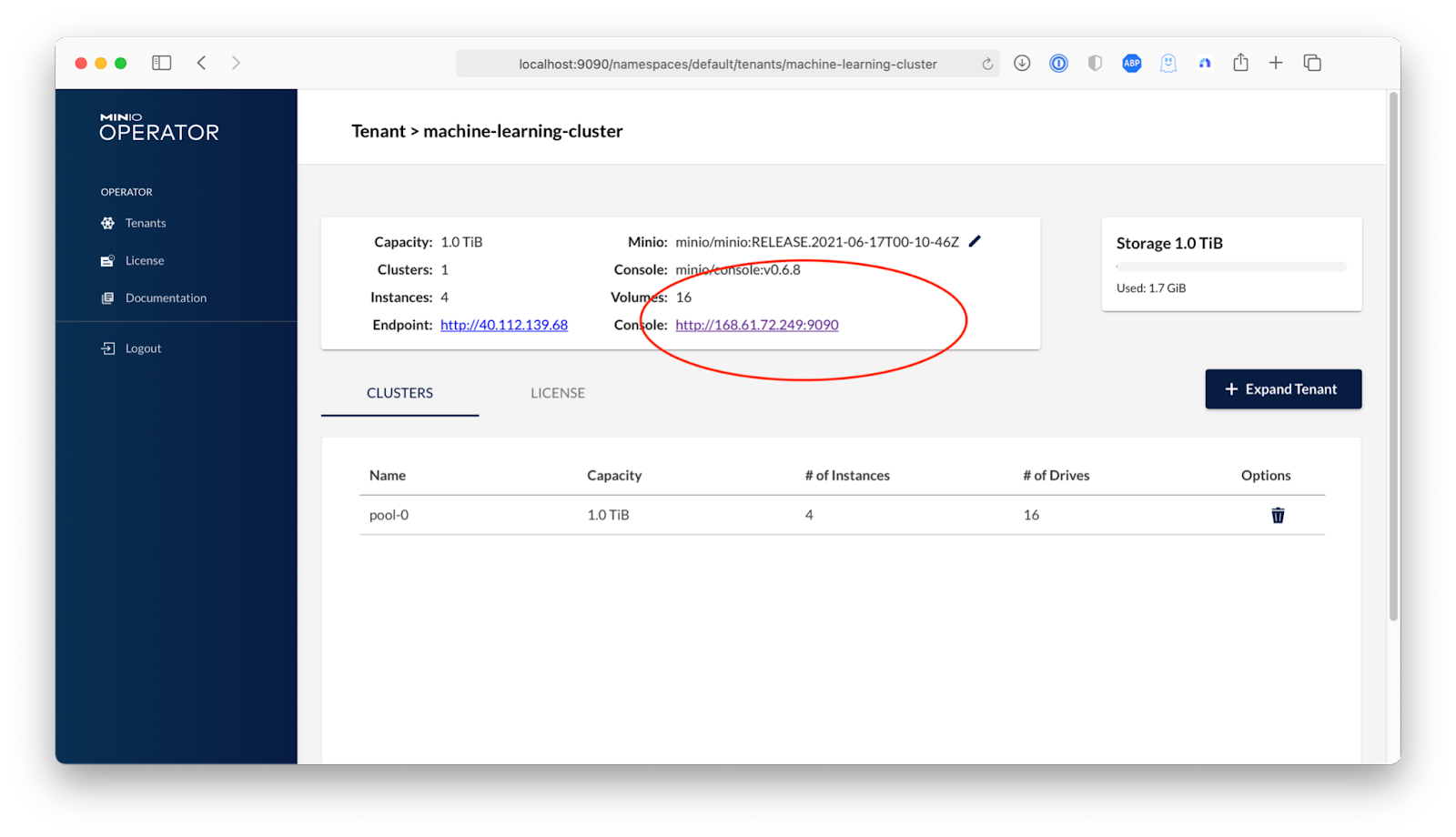
Starting port forward of the Console UI. To connect open a browser and go to http://localhost:9090 Current JWT to login: eyJhbGciOiJSUzI1NiIsImtpZCI6IkhWclVWMmc2YjNuZlRKcGY1YUxJTTh1Mjd2d3ZKZmh5dzBKaE10cm5QYUUifQ.eyJpc3MiOiJrdWJlcm5ldGVzL3NlcnZpY2VhY2NvdW50Iiwia3ViZXJuZXRlcy5pby9zZXJ2aWNlYWNjb3VudC9uYW1lc3BhY2UiOiJtaW5pby1vcGVyYXRvciIsImt1YmVybmV0ZXMuaW8vc2VydmljZWFjY291bnQvc2VjcmV0Lm5hbWUiOiJjb25zb2xlLXNhLXRva2VuLTh2cDRxIiwia3ViZXJuZXRlcy5pby9zZXJ2aWNlYWNjb3VudC9zZXJ2aWNlLWFjY291bnQubmFtZSI6ImNvbnNvbGUtc2EiLCJrdWJlcm5ldGVzLmlvL3NlcnZpY2VhY2NvdW50L3NlcnZpY2UtYWNjb3VudC51aWQiOiI4MDJkMmFlZi02ZTQxLTQyMzctYjIyYS04OGVkNjhhNTFkMWMiLCJzdWIiOiJzeXN0ZW06c2VydmljZWFjY291bnQ6bWluaW8tb3BlcmF0b3I6Y29uc29sZS1zYSJ9.CxaS7Xy6l63Z90FLDL0XV0FB4iYYD93-EZ9lT6dUxHTkaYIwGzuVAOVYKclIAslpJqvANzurnuCQv2DSYuptBokqNyJqBZ_Mdfxk_BD8k9LNvvhH2B75FXJOlLUvO43HZp-vWqiBLHvhWD86KI5YdCqgXq0KB2Yuw03pIeAkGhdo-QN7EnTVt-mu6OniB6q_oSC61wUoToHCZKbq7OLeg2zzwqo9JGCBvghBbiVFzeMTYAQHdad69PsWjBRBlUKbG7v5eNWiVPiV44r0-fUZxdCr-1JEP9e4Ag-8J2GzIU1-yBIc_Yn1ok59HxXwiT-_fmp2tpe2WsArY7Hwzza2qLoVSkITzPX6eMVbGfRdzbcxd396LcQfg8GJn4Rbs1Z4YCRqMK_DpoQqYOFf-pjZ6Oa91GlZpMVSH_6_H4xxBuuobyn3WK7XyuBxJuFcl7KoIKoa4qwi87eUE139RXPOZKsCrMX-YmKxTAixKlGux2U4jRaN2lav6_y-ayUvHt0syEJqu0uhqdPNVxGIWW0sabJJ0sSfQdacmrBY1VazIYsN2NAL1N2QCwmQvvjRlqpEAWPF_uhuVwGtgcDX8-CxRKtfoY-8gn7ujwCKl1GMpyr-nE8p88eMIxEkaXqBia0erRLwUGTHrS2ymGN0Ii85_2wRZmDuCGA9QiQ01r89ZXU Forwarding from 0.0.0.0:9090 -> 9090
要在 AKS 上设置 Kubeflow,我们将使用命令行实用程序kfctl,它可以从kfctl 发布页面下载。有适用于 Mac 和 Linux 的二进制文件,但如果您使用的是 Windows,则必须从源代码编译该二进制文件。只需确保 kfctl 二进制文件在您的 PATH 中。
运行以下命令,这些命令取自Kubeflow on Azure 安装文档。
# Set KF_NAME to the name of your Kubeflow deployment. You also use this # value as directory name when creating your configuration directory. # For example, your deployment name can be 'my-kubeflow' or 'kf-test'. export KF_NAME=my-kubeflow # Set the path to the base directory where you want to store one or more # Kubeflow deployments. For example, /opt/. # Then set the Kubeflow application directory for this deployment. export BASE_DIR=kubeflowsetup export KF_DIR=${BASE_DIR}/${KF_NAME} # Set the configuration file to use when deploying Kubeflow. # The following configuration installs Istio by default. Comment out # the Istio components in the config file to skip Istio installation. # See https://github.com/kubeflow/kubeflow/pull/3663 export CONFIG_URI="https://raw.githubusercontent.com/kubeflow/manifests/v1.2-branch/kfdef/kfctl_k8s_istio.v1.2.0.yaml" mkdir -p ${KF_DIR} cd ${KF_DIR} kfctl apply -V -f ${CONFIG_URI}
按照配置,此过程大约需要八分钟,因此请喝杯咖啡并使用以下命令监控完成情况。
kubectl get all -n kubeflow
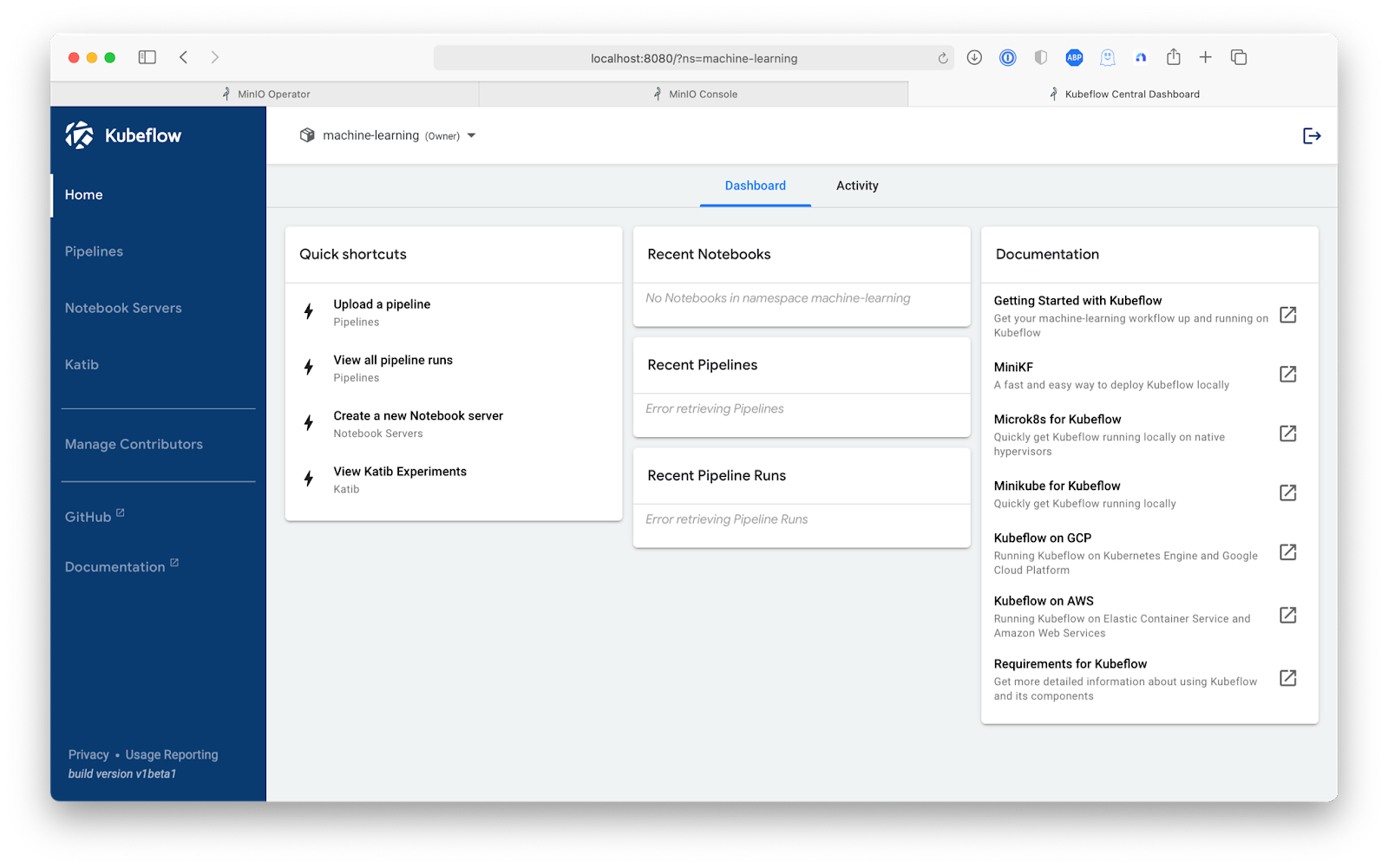
一旦所有 pod 都运行起来,我们就准备好继续构建一个利用 MinIO 的 Kubeflow 管道。
import urllib.request import shutil file_list = ["https://raw.githubusercontent.com/kubeflow/examples/master/mnist/k8s_util.py","https://raw.githubusercontent.com/kubeflow/examples/master/mnist/Dockerfile.model","https://raw.githubusercontent.com/kubeflow/examples/master/mnist/model.py","https://raw.githubusercontent.com/kubeflow/examples/master/mnist/notebook_setup.py","https://raw.githubusercontent.com/kubeflow/examples/master/mnist/requirements.txt"] for url in file_list: file_name = url.split("/").pop() with urllib.request.urlopen(url) as response, open(file_name, 'wb') as out_file: shutil.copyfileobj(response, out_file)
import logging import os import uuid from importlib import reload import notebook_setup reload(notebook_setup) notebook_setup.notebook_setup(platform='none')
import k8s_util # Force a reload of kubeflow; since kubeflow is a multi namespace module # it looks like doing this in notebook_setup may not be sufficient import kubeflow reload(kubeflow) from kubernetes import client as k8s_client from kubernetes import config as k8s_config from kubeflow.tfjob.api import tf_job_client as tf_job_client_module from IPython.core.display import display, HTML import yaml
# TODO(https://github.com/kubeflow/fairing/issues/426): We should get rid of this once the default # Kaniko image is updated to a newer image than 0.7.0. from kubeflow.fairing import constants constants.constants.KANIKO_IMAGE = "gcr.io/kaniko-project/executor:v0.14.0"
from kubeflow.fairing.builders import cluster # output_map is a map of extra files to add to the notebook. # It is a map from source location to the location inside the context. output_map = { "Dockerfile.model": "Dockerfile", "model.py": "model.py" } preprocessor = base_preprocessor.BasePreProcessor( command=["python"], # The base class will set this. input_files=[], path_prefix="/app", # irrelevant since we aren't preprocessing any files output_map=output_map) preprocessor.preprocess()
# Use a Tensorflow image as the base image # We use a custom Dockerfile from kubeflow.fairing.cloud.k8s import MinioUploader from kubeflow.fairing.builders.cluster.minio_context import MinioContextSource minio_uploader = MinioUploader(endpoint_url=minio_endpoint, minio_secret=minio_username, minio_secret_key=minio_key, region_name=minio_region) minio_context_source = MinioContextSource(endpoint_url=minio_endpoint, minio_secret=minio_username, minio_secret_key=minio_key, region_name=minio_region)
cluster_builder = cluster.cluster.ClusterBuilder(registry=DOCKER_REGISTRY, base_image="", # base_image is set in the Dockerfile preprocessor=preprocessor, image_name="mnist", dockerfile_path="Dockerfile", context_source=minio_context_source) cluster_builder.build() logging.info(f"Built image {cluster_builder.image_tag}")
from botocore.exceptions import ClientError try: model_response = minio_uploader.client.list_objects(Bucket=mnist_bucket) # Minimal check to see if at least the bucket is created if model_response["ResponseMetadata"]["HTTPStatusCode"] == 200: logging.info(f"{model_dir} found in {mnist_bucket} bucket") except ClientError as err: logging.error(err)

 纠删码计算器
 参考硬件
参考硬件